
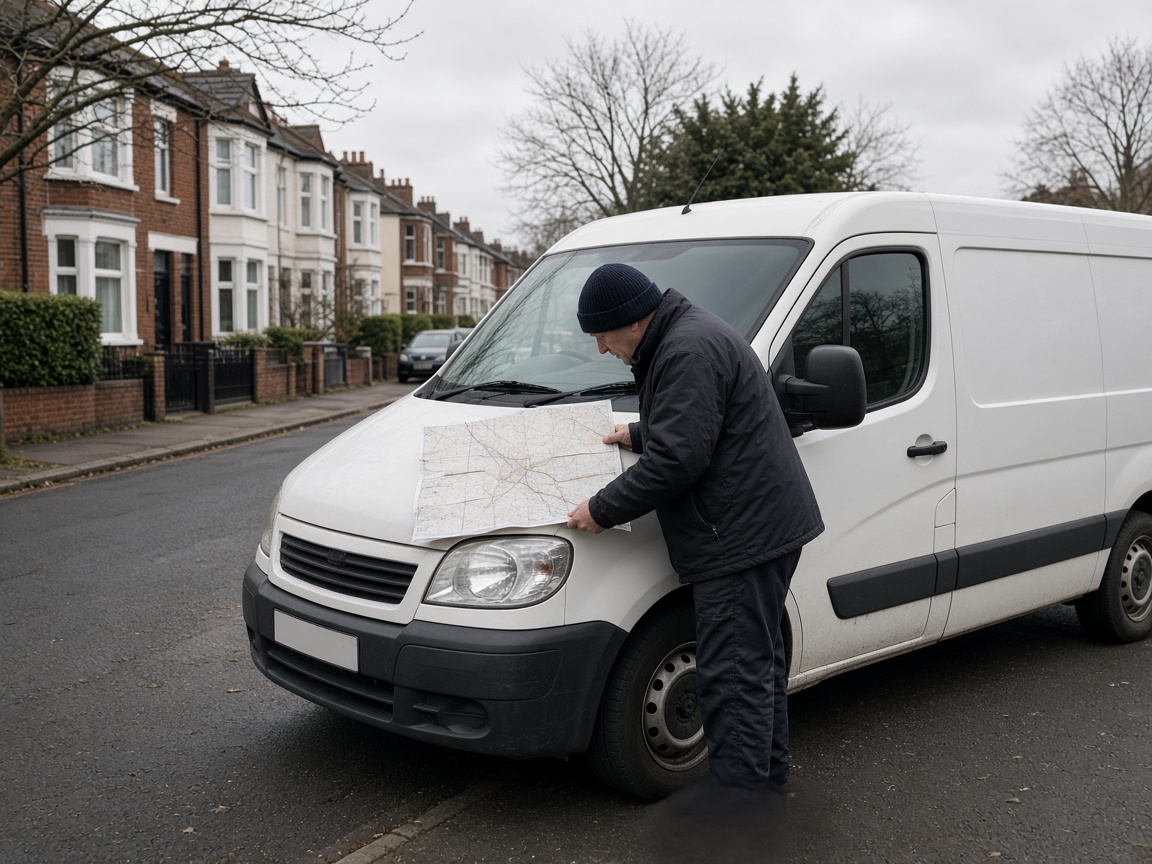
Start from the job, not from the map
Write down two or three job types and what is left after materials and the labour you have to send. Then write the longest drive you will do for each. The service area is the overlap of those two notes and the hours someone is actually free.
A single circle around the yard feels tidy and usually mixes a profitable installation with a call-out that loses money in fuel and an empty afternoon. The industry pages on this site already separate the work: call-outs, servicing and installations for heating engineers, leaks and planned replacements for roofers, faults, EICRs and upgrades for electricians. The ads should follow that split, and so should the area.
A worked area, with made-up money
This is an illustration for a heating engineer based in a West Yorkshire town. It is not a client and not a benchmark. The only point is that one radius cannot price both jobs.
| No-heating call-out | Boiler replacement | |
|---|---|---|
| Gross profit after the direct cost of the job | £90 | £700 |
| Drive, each way | 25 minutes is the edge of what still pays | 50 minutes can still pay |
| Who must answer | Someone on the phone while the ad is running | A survey slot within a few days is enough |
| What to target | The towns inside that short drive. Exclude the rest. | A wider set of towns, still listed, not “all of Yorkshire”. |
| What to exclude on purpose | The far side of the next city, even if the pin looks close on a motorway. | Postcodes you have already learned you will not quote, written down so they stay excluded next month. |
If the call-out campaign spends £200 and books two jobs at £90 gross profit, it has not paid for the fuel and the fee on top. If the installation campaign spends £400 and books one job at £700 gross profit, the longer drive was the better buy. Those two sentences are impossible to see if both jobs share one campaign and one radius.
What Google actually offers
On the location targeting page, read on 15 November 2026, Google describes three ideas that matter to a local firm.
- Places. Countries, areas inside a country, and radii around a point. A radius has to be at least 1 km. You cannot draw a net around three streets.
- Presence. People in, or regularly in, the locations you chose. This is the setting to start with when you only want the people who can become a job this week.
- Presence or interest. People in those locations, plus people elsewhere who have shown an interest in them. Google calls this broad geo targeting and recommends it as a general practice on Search. For a business that has to drive to the customer, that extra reach is how you pay for researchers, people planning a move, and clicks from the wrong city.
You can exclude locations as well as target them. If you cover a county but refuse one town because parking or a bridge makes it a loss, exclude the town. Do not rely on the ad copy to put people off. You have already paid for the click by then.
Location targeting does not follow every legal border you might have in mind. Check the places report after the first fortnight. The lead sheet is the check: if “out of area” is a large share of calls, the setting is wider than the diary.
A list you can fill in this week
- Name the job types you want more of. Leave out the work the diary is already full of.
- For each job type, write the longest one-way drive that still leaves a profit. Use minutes, not a proud radius.
- List the towns inside that drive. List the towns you keep being asked to visit and will not.
- In the campaign settings, target the first list, exclude the second, and set the location option to Presence.
- Match the hours. If nobody answers after 5pm, do not run a call-only emergency ad through the evening. An unanswered call from the right town is still wasted.
- After fourteen days, read the locations of the calls, not just the map in the interface. Move a town from one list to the other only when the sheet agrees.
Businesses in rural Scotland, mid-Wales or County Antrim will have fewer towns and longer drives than a firm in Greater Manchester. The form of the list does not change. Borrowing a 20-mile radius from a city competitor is how a rural campaign buys clicks it cannot serve.
What not to do with the area
- Do not target the whole UK to “see what comes in”. You will see expensive clicks from people you cannot visit, and the search terms will be a mess of places.
- Do not stack five overlapping radii and hope the bids sort it out. Overlap makes it harder to see which campaign earned the job.
- Do not judge the area on impressions. A huge estimated reach and a sheet full of out-of-area calls is a worse result than a small area and four booked jobs.
Open Locations again after you copy a campaign or accept a recommendation. A copy keeps the old radius, including a radius you had already decided was too wide for call-outs. A recommendation can suggest covering more places. The setting you chose last month is not automatically the setting that will spend tomorrow. Presence should still be the one selected, and the excluded towns should still be excluded, before the campaign is allowed to run.
When the towns are settled, the cost studies are the next question: what a click on those searches has been published at, and how to turn that into a cost per booked job with your own prices. Start with the trade you actually run, for example plumbers and heating engineers or roofers.
Put the list where the phone is answered
The setting in Google Ads only works if the person who picks up uses the same towns. Write two short lists on a card by the phone: places you will book, and places you will decline. When a call comes from a town on neither list, add it to one of them that day. Do not decide from how keen the caller sounds. A month of one-off yeses is how the radius creeps back, and how next month’s sheet fills with drives you already said you would not do.
Read the card against the locations report after fourteen days, not against the coloured map. If a town on the “yes” list produced only calls you then declined, move it. If a town you excluded keeps appearing because someone searched the place name from elsewhere, that is Presence or interest doing what Google’s help page says it does. The fix is the tighter setting, not a longer list.
Presence still lets someone inside a town you cover type the name of a town you will not drive to. “Plumber in York”, searched from Leeds, is a Leeds presence. Open the search terms report and exclude the place names that are not on the card. The location setting and the excluded names do different jobs. You want both.
Questions from owners
Should a UK local business use Presence or Presence or interest?
Start with Presence, which Google describes as reaching people in or regularly in the locations you select. Presence or interest also reaches people elsewhere who have shown an interest in those locations. That is how a roofer in Bristol pays for a click from someone researching Bristol from another city.
What is the smallest area Google Ads will target?
Google’s location help page says radius targeting has to be at least 1 km around a point, and that targets have to meet a minimum size and a minimum number of people. A single street is not a target you can set.
Can I advertise in England and exclude one county?
Yes. You can target a country, a region, a town or a radius, and you can exclude places inside that area. Exclusions are how you keep a campaign national or regional without paying for the towns you will not travel to.
Should emergency jobs and planned jobs share a radius?
Usually not. A no-heating call has to be reached quickly, so the profitable radius is short. A boiler installation or a re-roof can support a longer drive because the job is worth more. Two campaigns, two areas, two budgets.
Does this differ between Scotland, Wales, Northern Ireland and England?
The Google Ads settings do not. The journeys do. Ferries, rural miles and city traffic change what “40 minutes” means. Set the area from the diary you can actually keep, and review the towns on the lead sheet rather than copying a radius from a business in another nation.
How often should I change the area?
Review it monthly against the lead sheet. Add an exclusion when the same town keeps producing calls you will not take. Widen it only when booked jobs from the edge are still profitable and you have capacity. Changing it every few days makes the search-term history hard to read.
Will a bigger radius lower my cost per click?
Sometimes the edge of a city is less competed than the centre. A cheaper click from a town you will not serve is still a wasted click. Judge the area on cost per booked job, not on the discount in the average click.
Where do I edit this in the account?
In Google Ads, open the campaign, then Settings, then Locations. That is the path on Google’s help page. Check the location options, not just the place names. The option is where Presence is selected.
The ads are limited to my towns, but we still book jobs outside them. What is wrong?
Usually the person answering the phone is using a different list from the campaign. Write the towns you will take, and the towns you will decline, where the phone is answered, and add a new town to one list the day it first calls. A fortnight of saying yes because the job sounded good will undo the location setting. Also check the campaign is on Presence, not Presence or interest.
Do I need to check the area again after I copy a campaign?
Yes. A copied campaign keeps the radius and the location option it was copied from, and a recommendation can suggest a wider area. Open Locations before it spends. Presence should still be selected, and the towns you refuse should still be excluded.
Where the figures come from
Checked on 15 November 2026 unless a source prints its own date.
- Target ads to geographic locations. Google Ads Help, read 15 November 2026. Radius targeting of at least 1 km. Presence or interest is the broad setting. Presence is the tighter one.